
Psiphon
Psiphon is a free and open-source internet censorship circumvention tool for Windows that connects you to blocked websites through its own network.
10.8 MB

1111 Warp VPN is Cloudflare's WARP client for Windows, which encrypts DNS and traffic between your PC and Cloudflare's network.
Average 0.0 · ratings: 0
Thank you! Your rating is saved; you can change it. Could not save the rating. Please try again later. Too many ratings from your network today. Please try again tomorrow. The average appears after 5 ratings.
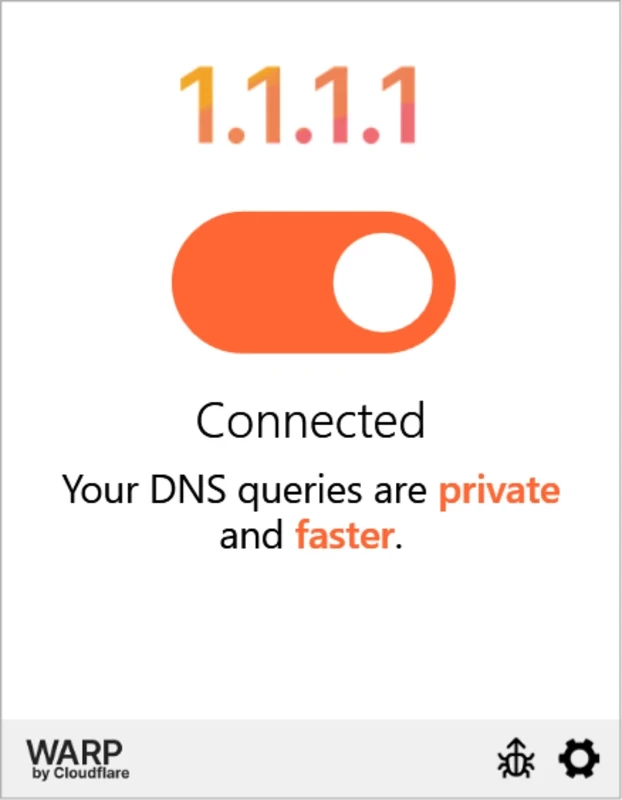
1111 Warp VPN 2026.7.1376.0 is Cloudflare's WARP client for Windows, the desktop counterpart of the 1.1.1.1 app. It encrypts your DNS lookups and, in WARP mode, the traffic between your PC and Cloudflare's network. The client is free, and this build was released on August 28, 2026. You can download 1111 Warp VPN for Windows from Cloudflare's official pages.
| Item | Details |
|---|---|
| Version | 2026.7.1376.0 (August 28, 2026) |
| Developer | Cloudflare |
| Supported systems | Windows 10 LTSC, Windows 11, Windows 365 Cloud PC running Windows 11 |
| Processor | AMD64 / x86-64 or ARM64 / AArch64 |
| .NET Framework | 4.7.2 or later |
| Disk space | 184 MB |
| Download size | 59.4 MB per Cloudflare; about 56.68 MB according to catalogue data |
| Licence | free |
The requirements come from Cloudflare's client download page, which also lists earlier builds such as 2026.7.1343.0 from August 19, 2026.
By default, Windows sends DNS lookups, the questions that translate website names into addresses, to your internet provider's servers without encryption. With the client on in DNS mode, those lookups go encrypted to Cloudflare's 1.1.1.1 resolver instead. In WARP mode, all traffic from the PC travels through an encrypted tunnel to Cloudflare's nearest data centre and then onward to the internet. That protects you on public Wi-Fi and keeps the local network from seeing which sites you visit. What WARP is not designed for is choosing a country: websites generally still see a location close to you. Companies also use the same client with Cloudflare's business services to connect employees securely, which is why the download page is part of the Cloudflare One documentation.
Product updates are posted in the Cloudflare changelog.
Hotel and café Wi-Fi often shows a login page before granting internet access; switch WARP off until you have signed in, then turn it back on. Corporate networks and some antivirus firewalls may block the tunnel. If websites fail to load, try DNS-only mode, which interferes less with other network software.
With WARP on, Cloudflare handles your DNS and traffic routing instead of your provider. Read Cloudflare's privacy policy to decide whether that suits you. Accounts you log in to still know who you are.
For a classic VPN with location choice, our listings include Proton VPN, Windscribe VPN and Mullvad VPN.
Psiphon is a free and open-source internet censorship circumvention tool for Windows that connects you to blocked websites through its own network.

Turbo VPN for Windows is a VPN client from Innovative Connecting that encrypts your connection and routes it through the provider's servers.

Proxifier is a Windows program by VentoByte that sends the network traffic of any application through a proxy server, even if the app has no proxy settings.

VPN Planet is a Windows VPN client from FreeVPNPlanet with a free option, available from its website and the Microsoft Store.

Radmin VPN is a free Windows program from Famatech that connects computers over the internet into a virtual local network, for LAN games and remote access.

v2rayN is a free, open-source Windows GUI client by 2dust for Xray, v2ray and sing-box proxy servers, with subscriptions and routing rules.

Hotspot Shield is a VPN app for Windows that encrypts your internet connection and changes your virtual location.

Hamachi is a VPN application for Windows that connects computers over the internet as if they were on the same local network.